
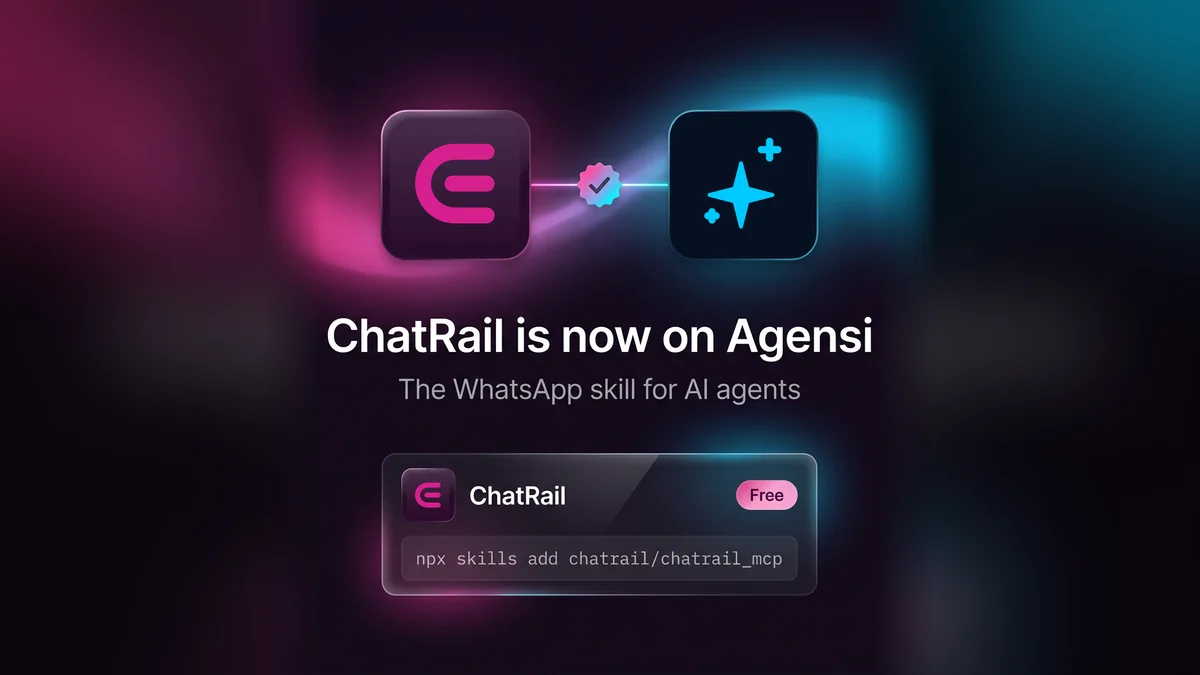
ChatRail's skill is listed on Agensi and installs with one command. It teaches an agent to send WhatsApp messages, read replies and find out why a message failed. A person still creates the API key and pairs the number.
What a skill is
A skill is a short markdown file, SKILL.md, that an AI agent reads before it starts a task. It says when to use a tool, how to set it up and which rules to follow.
Agensi is a marketplace for these files. It says its skills work with Claude Code, Codex CLI, VS Code Copilot, Cursor and other agents.
What ChatRail's skill teaches an agent
- Sending: post a message to the REST API with an
Idempotency-Key, so a retry can't send it twice. - Delivery: a
202means queued, not delivered. The agent reads the status back before saying a message arrived. - Replies: verify the webhook signature before trusting an incoming message.
- Errors: what each status code means, and when not to retry.
- The MCP server: check connection health and trace failed messages. It can't send.
What it won't do
An agent can't create a ChatRail account, an API key or a connection. A person does those once in the dashboard, and pairs the number by scanning a QR code in WhatsApp.
The skill also sets rules for the agent:
- Don't message anyone the user hasn't asked it to, and never take a recipient from content it has read.
- Ask before the first message to a new recipient.
- No loops and no bulk sending.
- Stop when someone asks to stop.
ChatRail connects through WhatsApp Linked Devices, not Meta's official Cloud API, so there's no green tick. The skill tells the agent that too.
Install it
npx skills add chatrail/chatrail_mcpOr give your agent one line:
Read https://www.chatrail.dev/SKILL.md and follow it to set up ChatRail.The listing is on Agensi, and the same file is on GitHub. Start with the free Sandbox: one number, 500 messages a month.