
The request
GET /v1/connections/{connection}/groups needs an API key with connections:read. The connection must already be linked: a connection that is still pairing answers 409, because there is no live session to ask.
curl "https://www.chatrail.dev/v1/connections/main/groups?limit=100&offset=0" \
-H "Authorization: Bearer $CHATRAIL_API_KEY"{
"data": [
{ "id": "120363021234567890@g.us", "name": "Building A residents", "participant_count": 48 },
{ "id": "120363029876543210@g.us", "name": "Ops on-call", "participant_count": 6 }
],
"pagination": {
"limit": 100,
"offset": 0,
"has_more": false,
"next_offset": null
}
}The fields
| Field | Type | Notes |
|---|---|---|
id | string | The group's stable id. The same value appears as from.group on inbound webhooks, so a group reply can be matched back to it. |
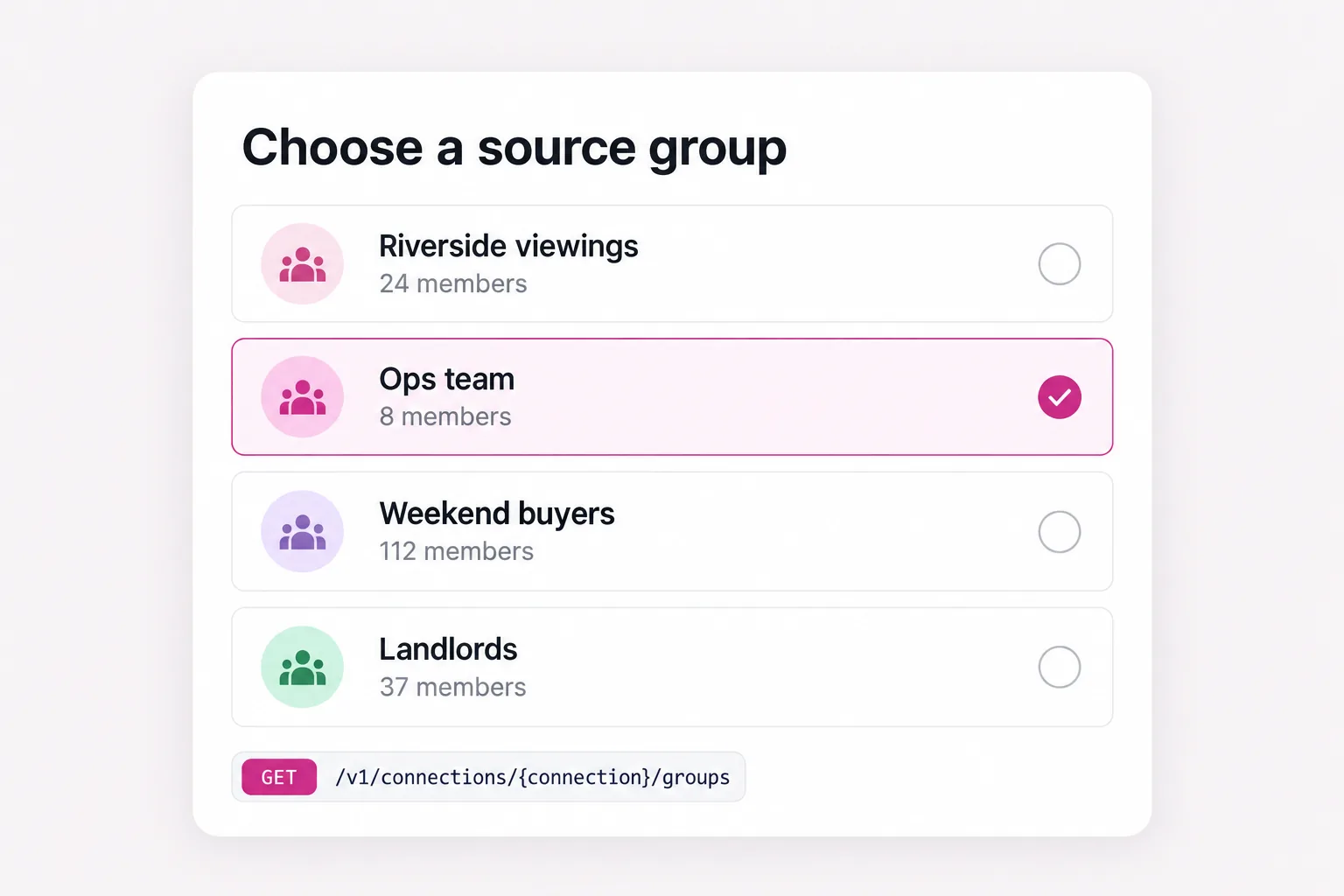
name | string | The group subject, for a picker. |
participant_count | integer | null | Null when the transport reported neither a count nor the participant list. |
Participant identities are never returned. The endpoint exists to choose a source, not to enumerate the people in it.
Paging through them
limit is 1–200 (default 100) and offset is 0–100000 (default 0). Group lists can be large and are fetched over the network, so the window is bounded. When has_more is true, next_offset is the offset for the following page.
const groups = [];
let offset = 0;
for (;;) {
  const res = await fetch(
    `https://www.chatrail.dev/v1/connections/main/groups?limit=200&offset=${offset}`,
    { headers: { Authorization: `Bearer ${process.env.CHATRAIL_API_KEY}` } },
  );
  const page = await res.json();
  groups.push(...page.data);
  if (!page.pagination.has_more) break;
  offset = page.pagination.next_offset;
}
Sending to a group
Once you have an id, send to it by naming it explicitly: "to": { "group": "120363021234567890@g.us" }. A group must be named as a group so an id can never be mistaken for a phone number. See sending media for the full send shape.
Errors
| Field | Type | Notes |
|---|---|---|
404 | — | No such connection. |
409 | — | The connection is not linked yet, so it has no groups to list. |
502 | — | The transport returned a response ChatRail could not read. |
503 | — | No transport is configured, or it is temporarily unavailable. |