
The media object
Add media to a POST /v1/messages/text body. Only url is required; ChatRail fetches it at send time. kind and mimetype are optional because either one is determined for you from the other — the common case is just { "url": "…/report.pdf" }.
| Field | Type | Notes |
|---|---|---|
url | string (uri) | Required. A publicly fetchable URL, up to 2048 characters. |
kind | string | Optional: image, video, audio or document. |
mimetype | string | Optional. Inferred from the URL or kind when omitted. |
filename | string | Optional. The name the recipient sees for a document. |
Send an image with a caption
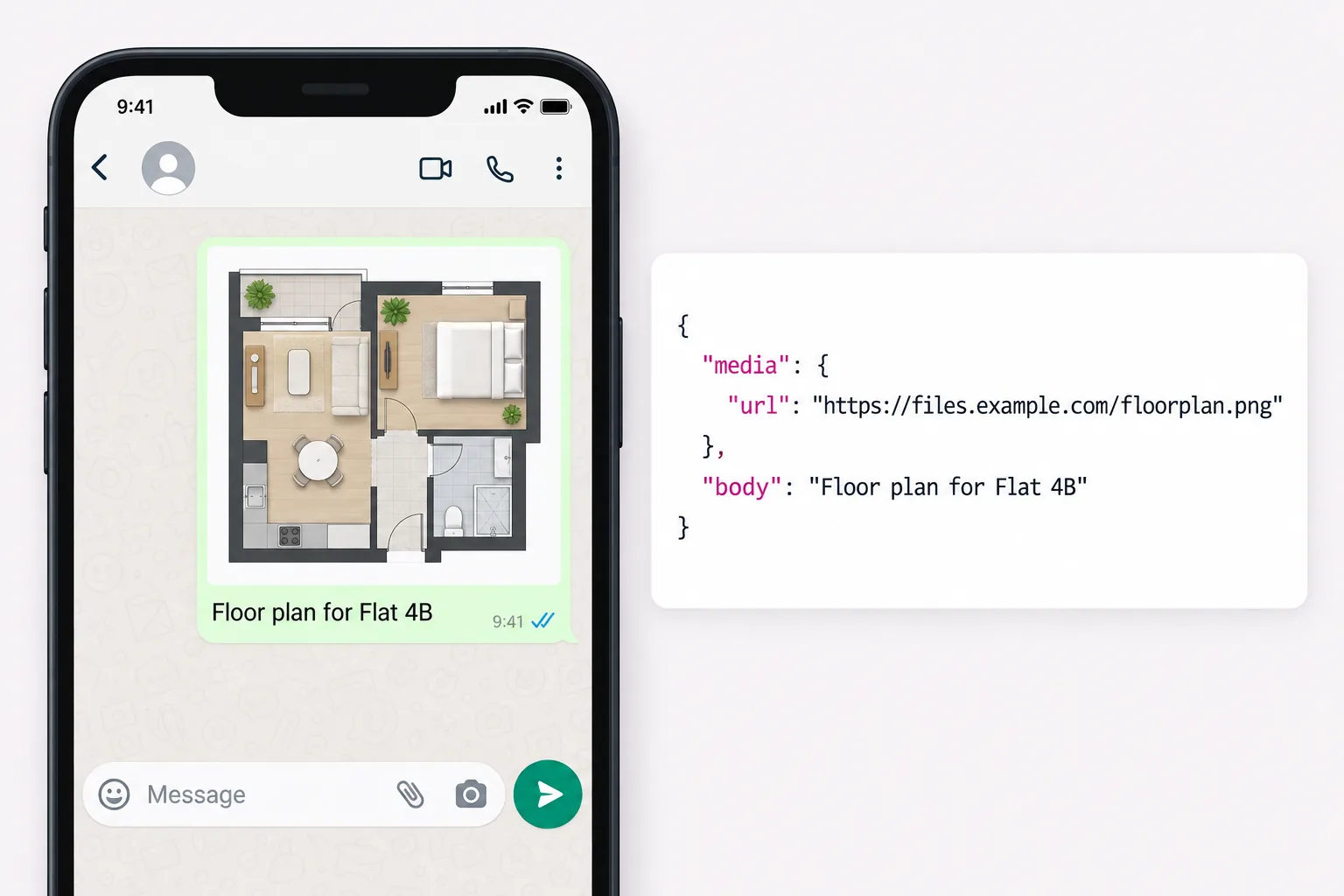
body becomes the caption when media is present.
curl -X POST https://www.chatrail.dev/v1/messages/text \
  -H "Authorization: Bearer $CHATRAIL_API_KEY" \
  -H "Content-Type: application/json" \
  -H "Idempotency-Key: $(uuidgen)" \
  -d '{
    "connection": "main",
    "to": "+15551234567",
    "body": "Here is the unit you asked about.",
    "media": { "url": "https://files.example.com/unit-12b.jpg" }
  }'
Send a document
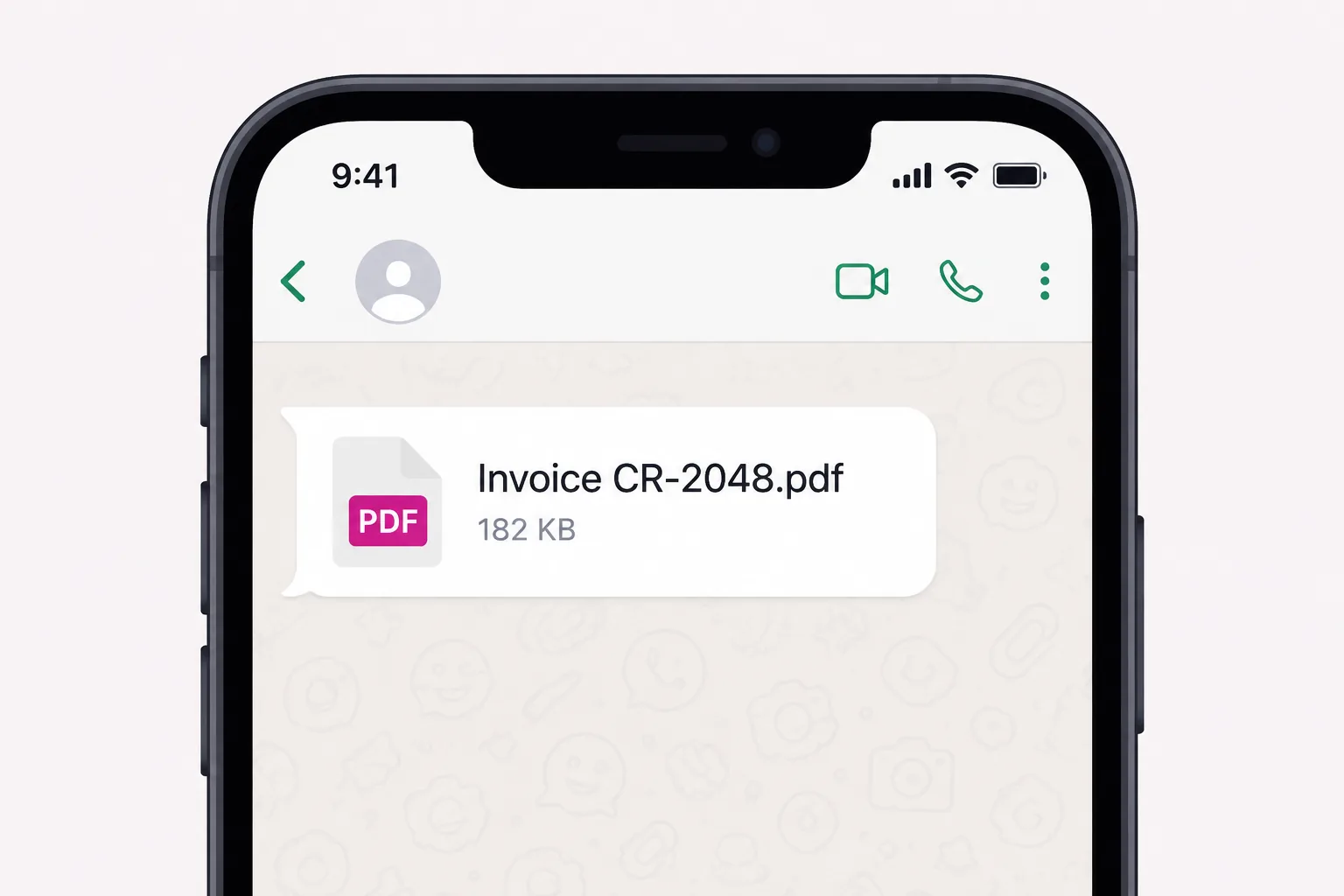
Give a document a filename so the recipient sees a sensible name rather than a URL tail.
{
  "connection": "main",
  "to": "+15551234567",
  "media": {
    "url": "https://files.example.com/invoice-2048.pdf",
    "kind": "document",
    "filename": "Invoice CR-2048.pdf"
  }
}
A location instead of a file
media and location are mutually exclusive. A location renders as a map card and carries a title, not a caption, so send any accompanying text as a separate message.
{
  "connection": "main",
  "to": "+15551234567",
  "location": { "latitude": 51.5072, "longitude": -0.1276, "title": "Site entrance" }
}
To a group
Name a group explicitly to send into it. Get group ids from the groups endpoint.
{
  "connection": "main",
  "to": { "group": "120363021234567890@g.us" },
  "media": { "url": "https://files.example.com/floorplan.png" }
}
Accepted is not delivered
A send returns 202: the message is durably stored and queued, not yet on anyone's phone. Only the status field ever claims delivery. Send an Idempotency-Key so a retry cannot send the same attachment twice.